01
Three very different audiences, one shared need
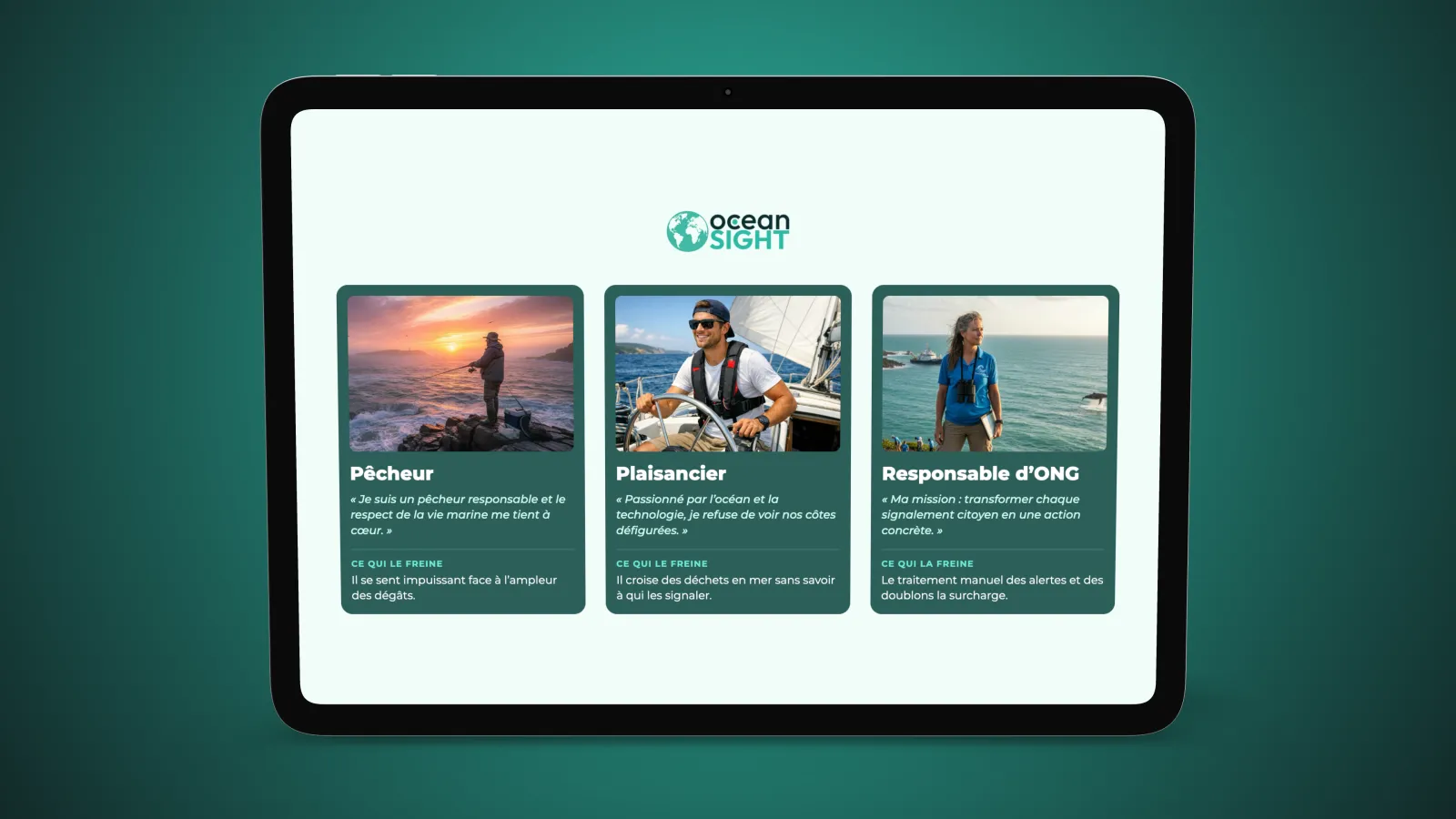
We studied a fisher, a sailor and an NGO manager. Their habits have nothing in common, but all of them come across litter without knowing who to report it to, or how.
Academic project · 2026
 OceanSight
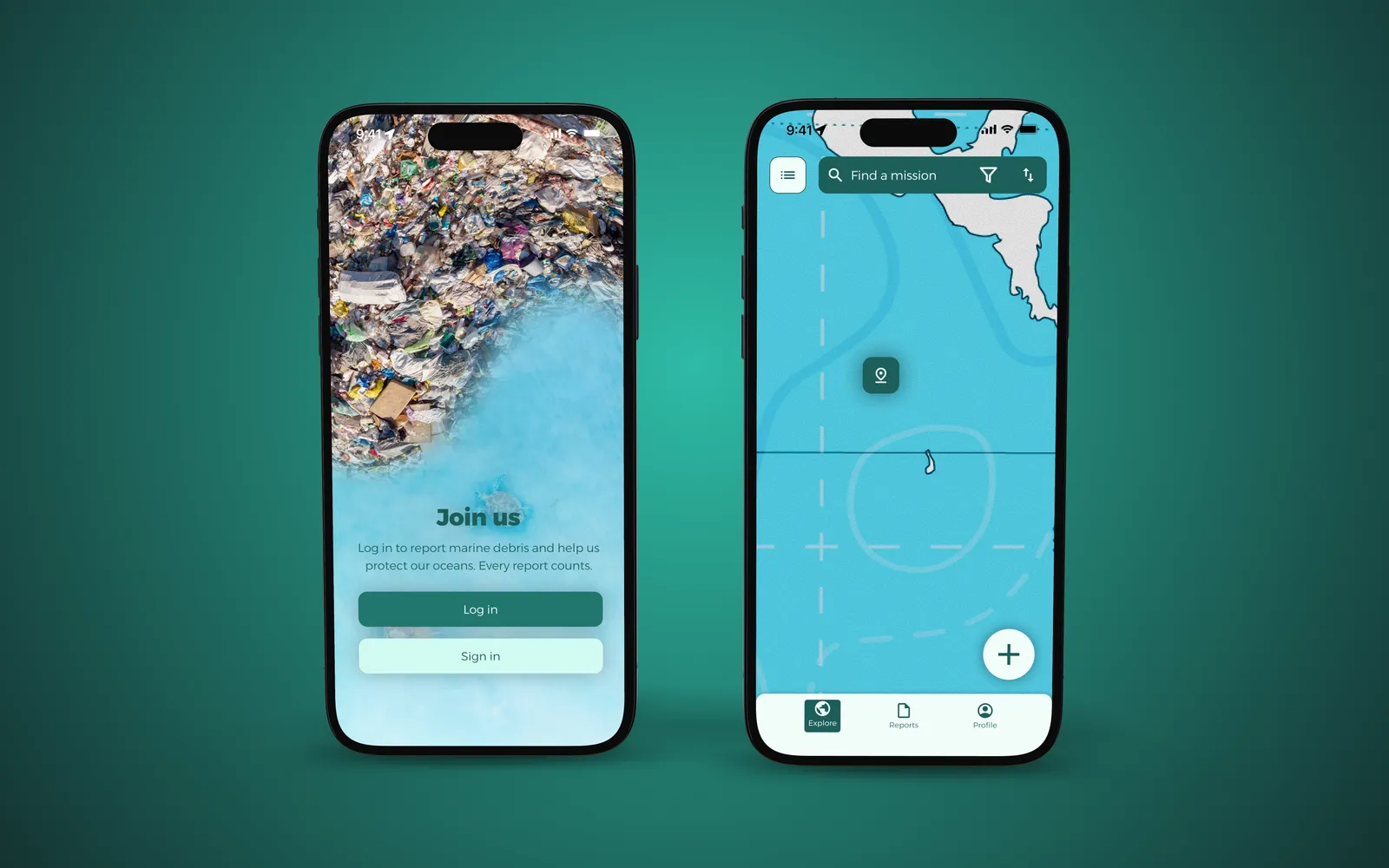
11 million tonnes of plastic end up in the sea every year, and those who come across it don’t know who to tell. We designed OceanSight: a mobile app to report it and join clean-up missions.
In collaboration with Luca Leone and Romain Blanchard
Start from a UN Sustainable Development Goal, then design a mobile app that addresses it, all the way to a clickable prototype.
There were three of us and we did everything together, from user research to the Figma prototype and its testing.
UX/UI course, second year of the Media Engineering bachelor at HEIG-VD, in two parts graded separately: UX, then UI.
Among the UN goals, we chose life below water, where 6,500 species are threatened. Part of the pollution is invisible: ghost nets, abandoned at sea, keep fishing for years. We wanted to give people at sea a way to act against this pollution.
The course brief set the starting point and the deliverable:
How might we simplify the reporting of abandoned fishing nets and floating plastic islands to reduce pollution at sea?
01
We studied a fisher, a sailor and an NGO manager. Their habits have nothing in common, but all of them come across litter without knowing who to report it to, or how.
02
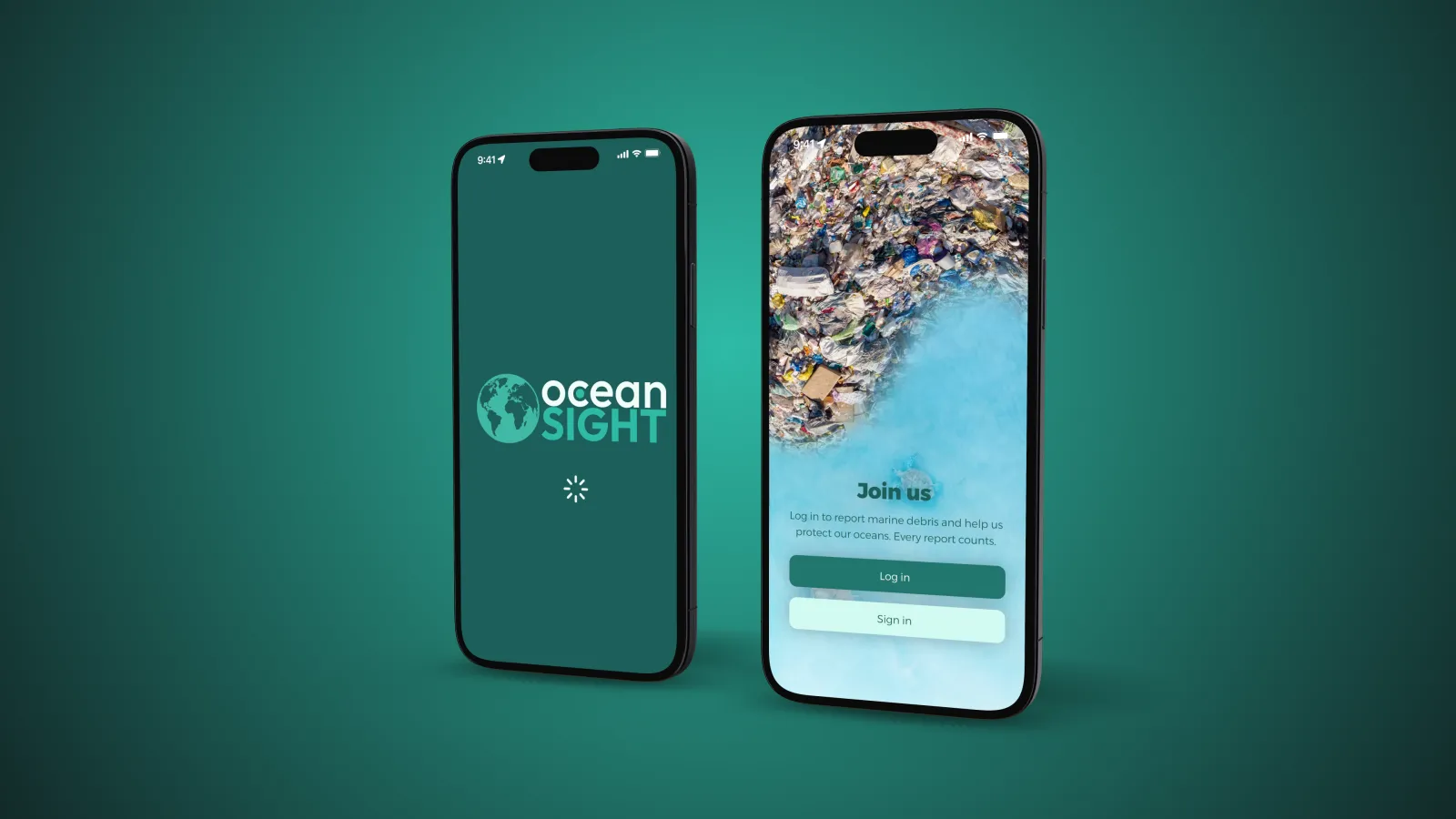
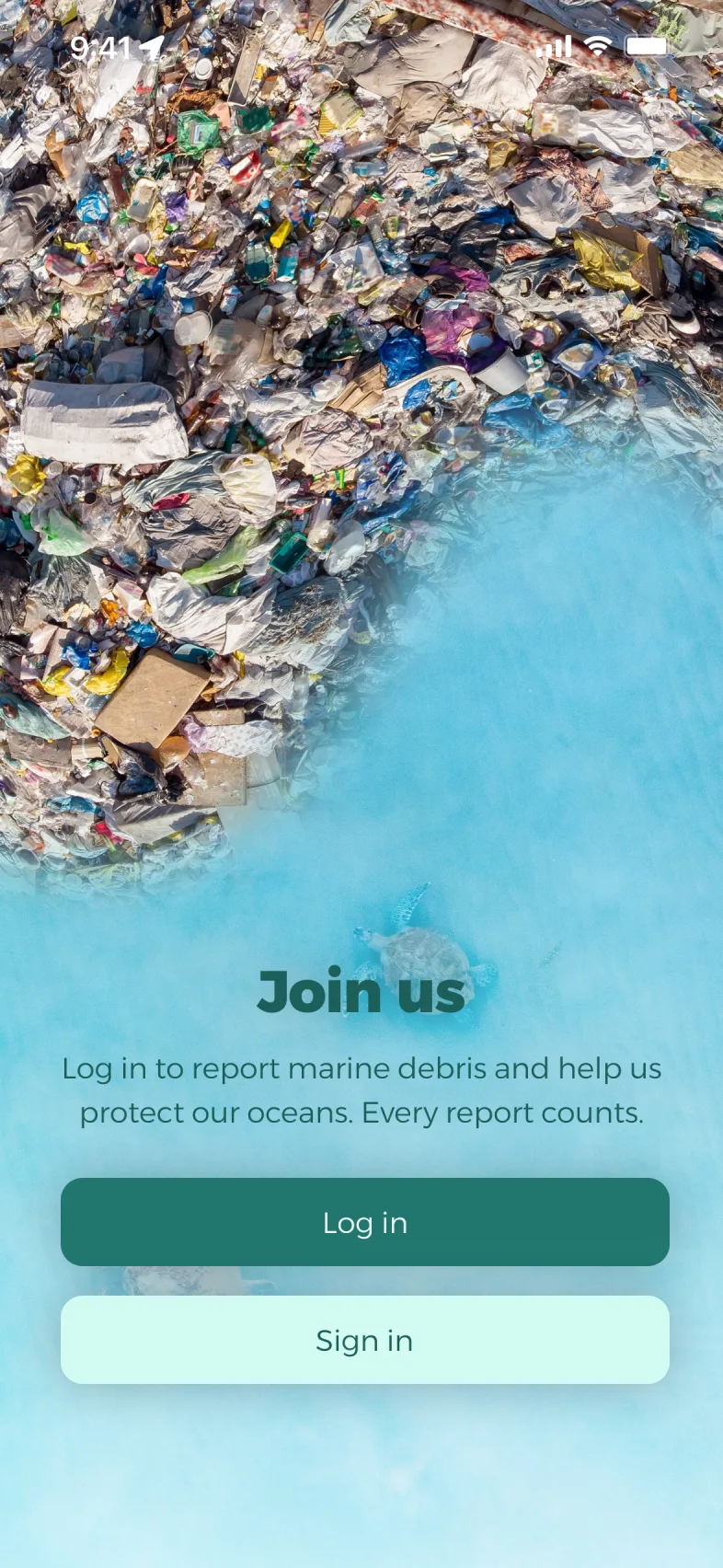
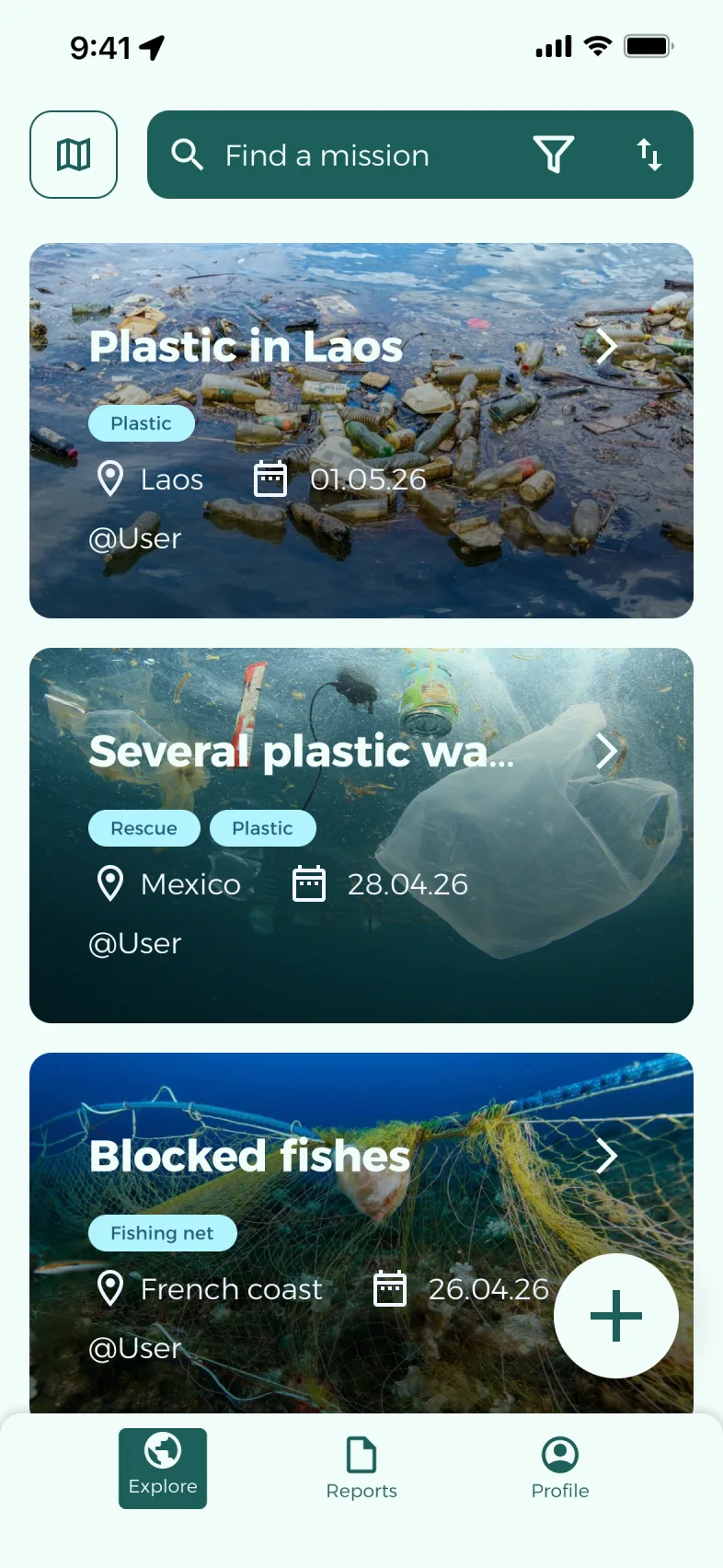
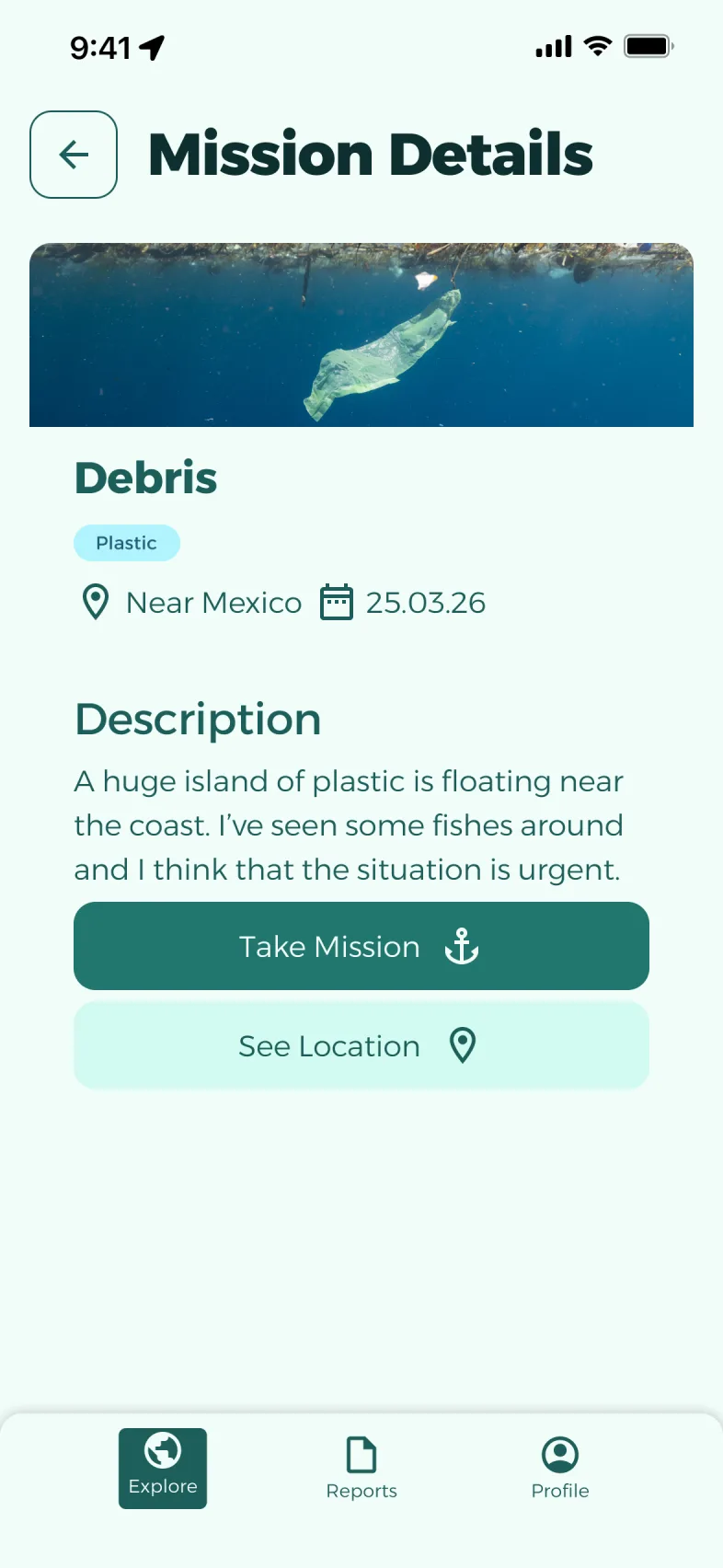
We dropped an eco-score for fishers and a tool predicting where litter builds up. With our app, anyone at sea can report litter or join a mission.
03
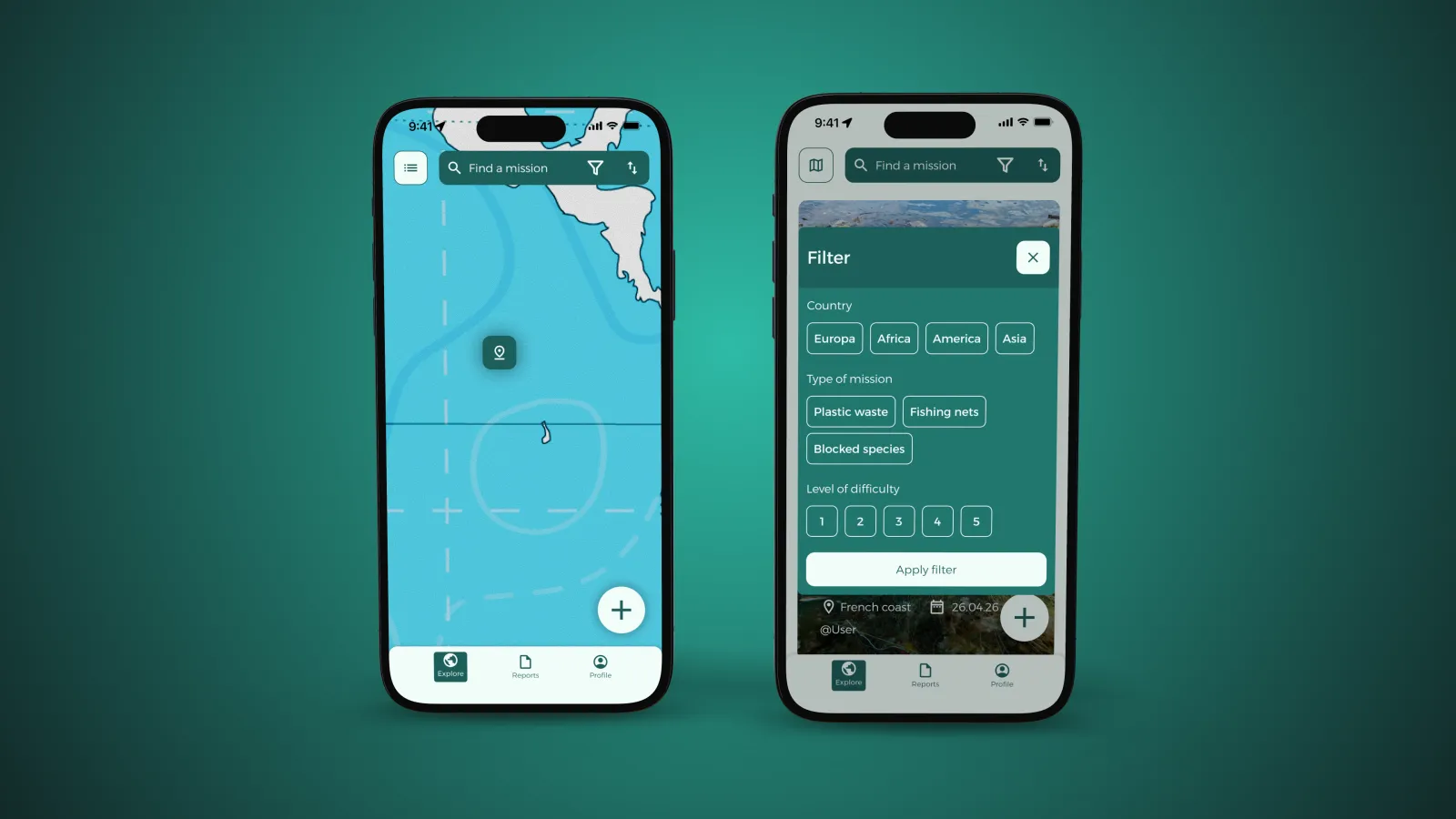
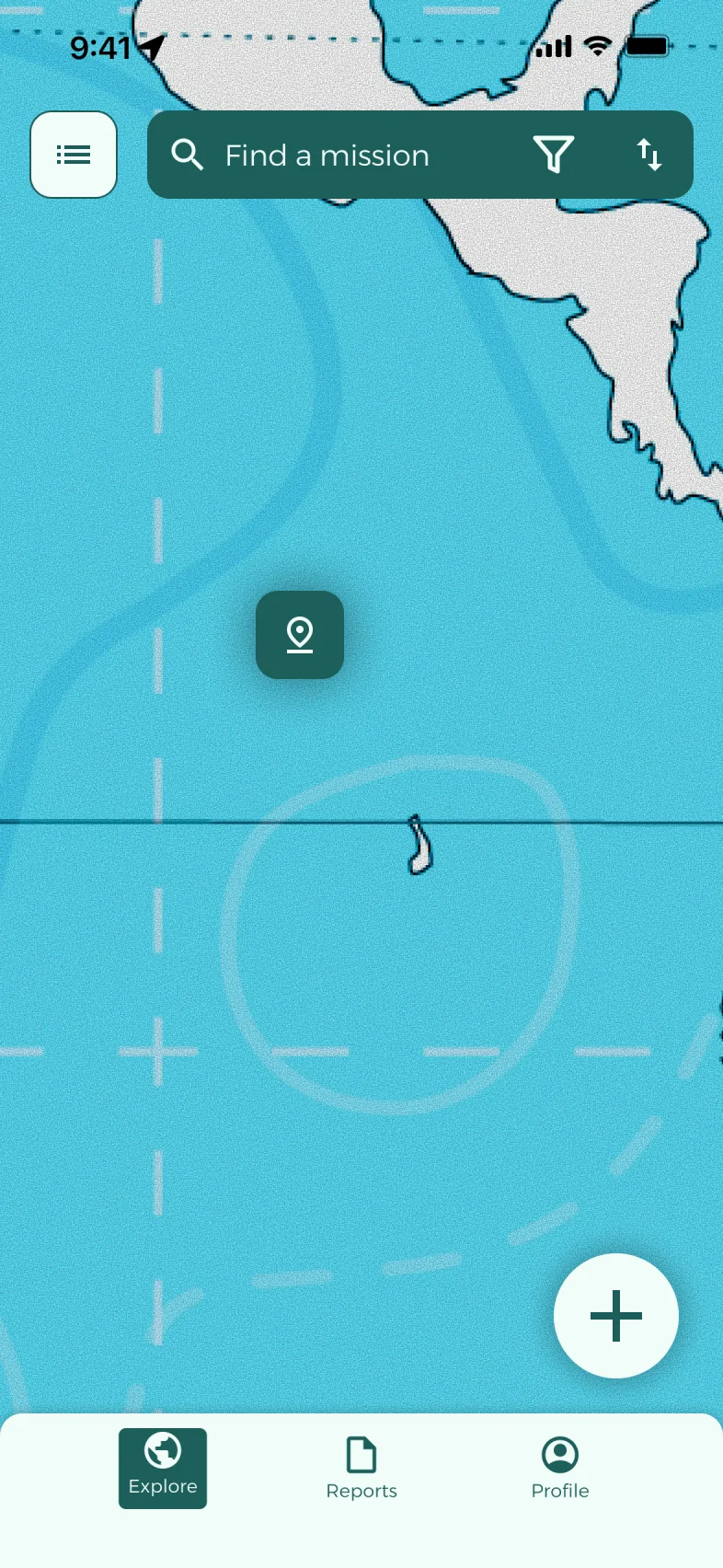
On the map, everyone spots the missions near them. The list, with filters by country, type of litter, trapped species or difficulty, is for comparing before signing up.
04
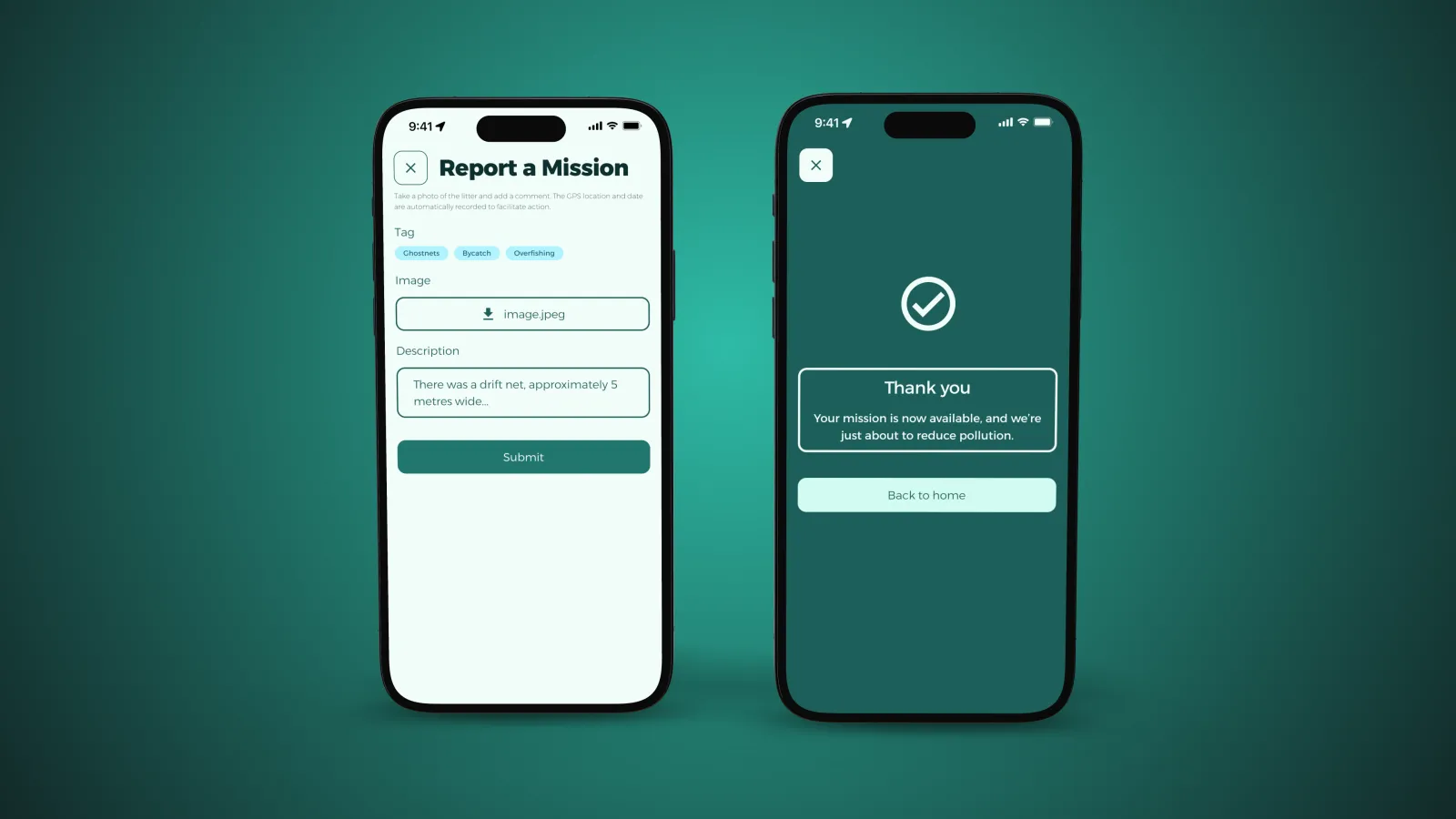
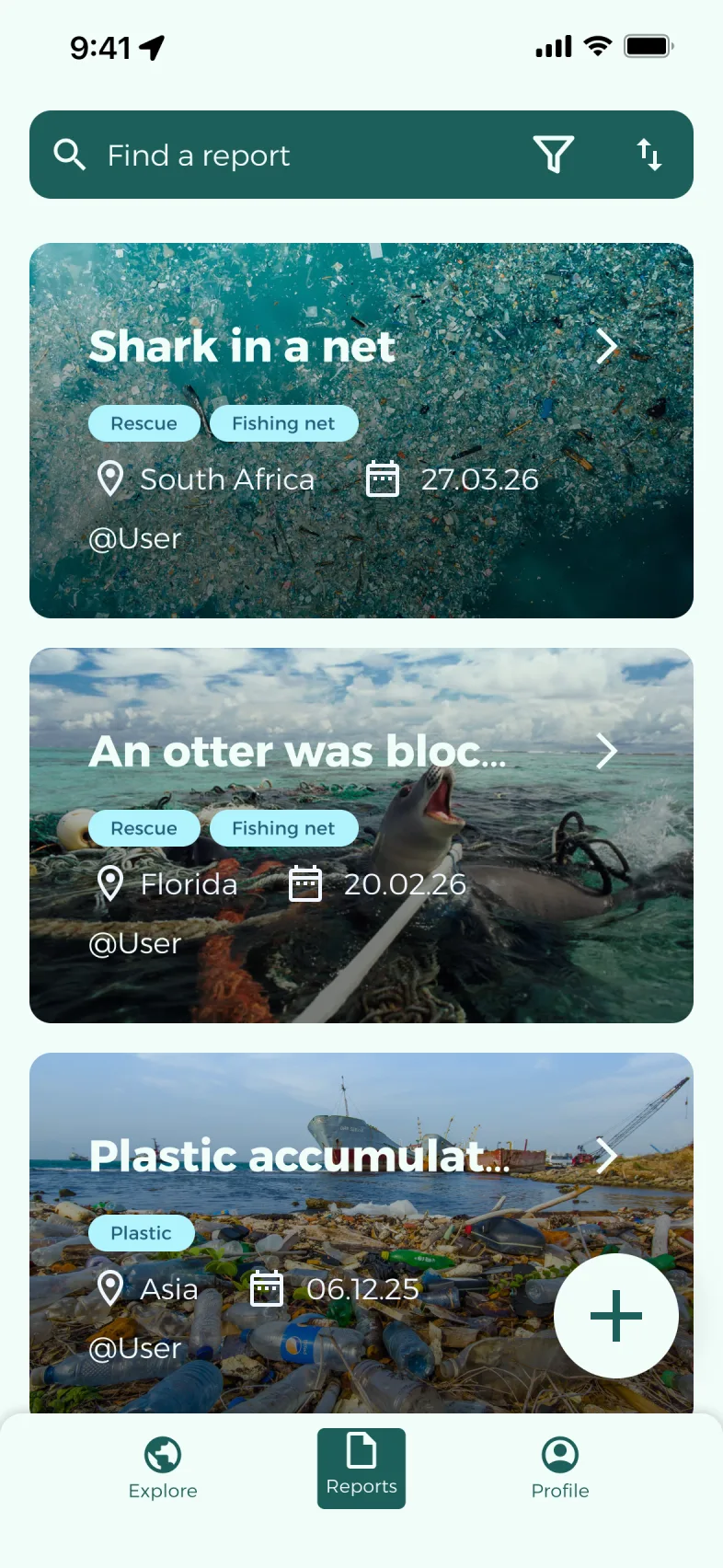
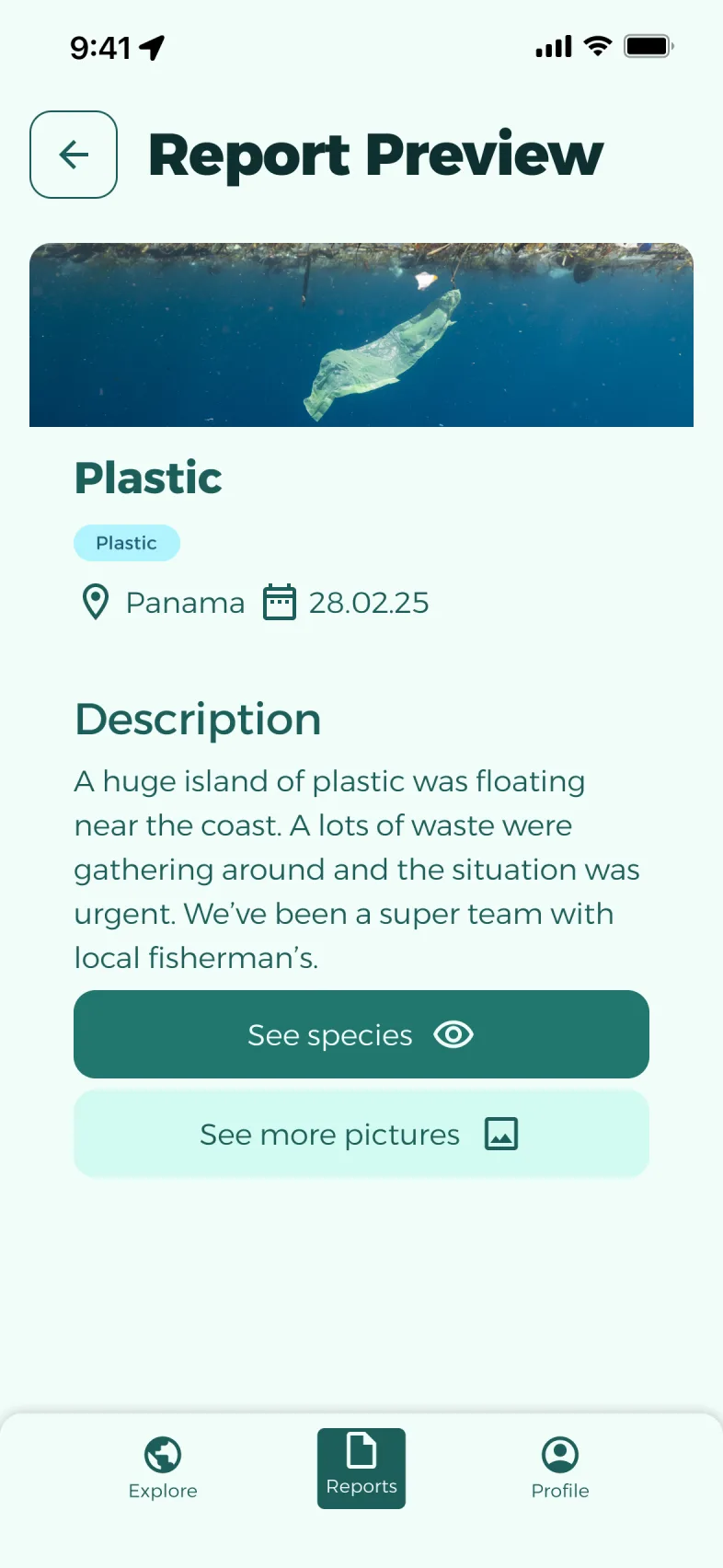
On the map, a “+” button opens the reporting form. Each report alerts other people at sea and creates geolocated data, useful to NGOs and research.
05
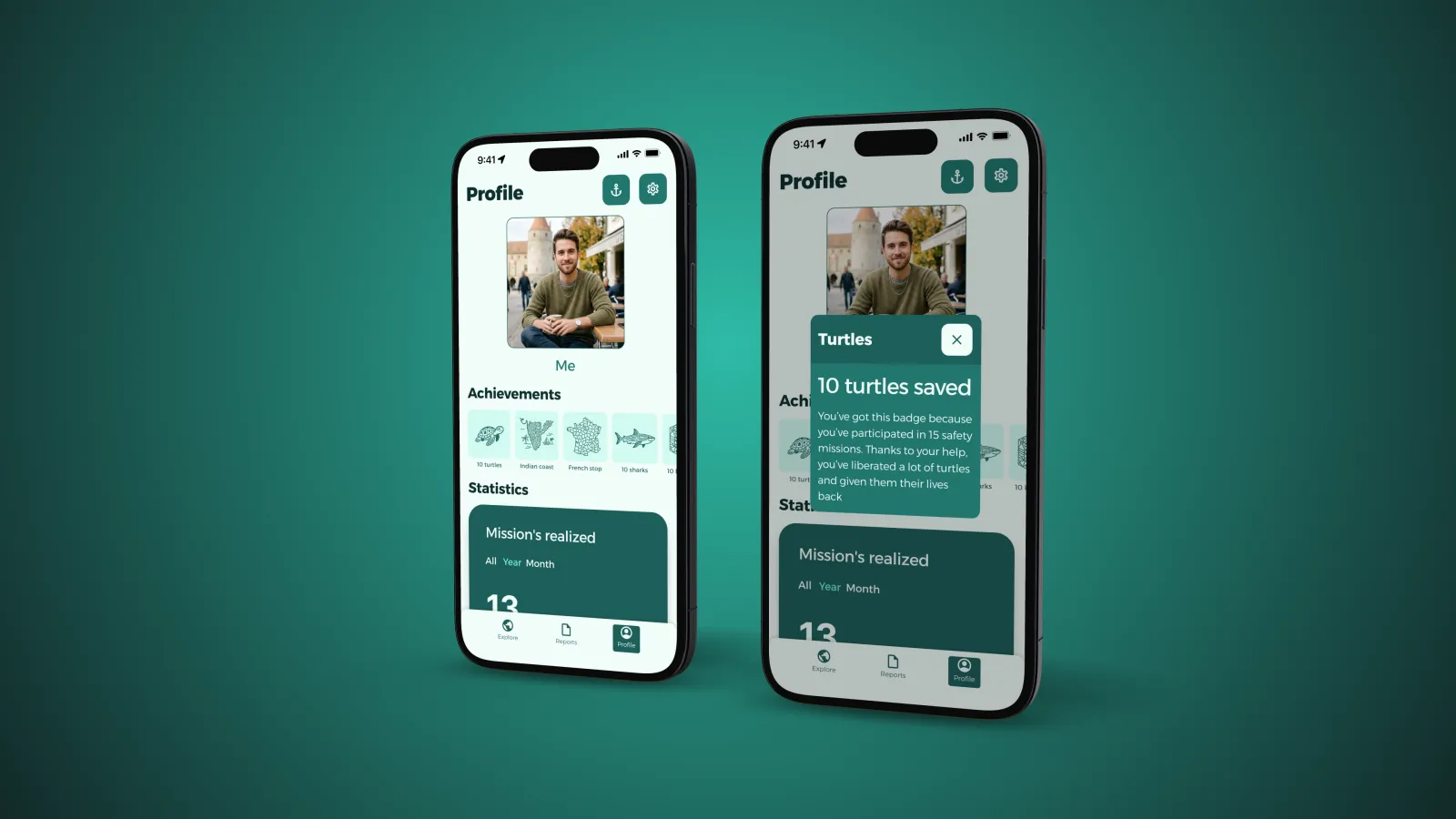
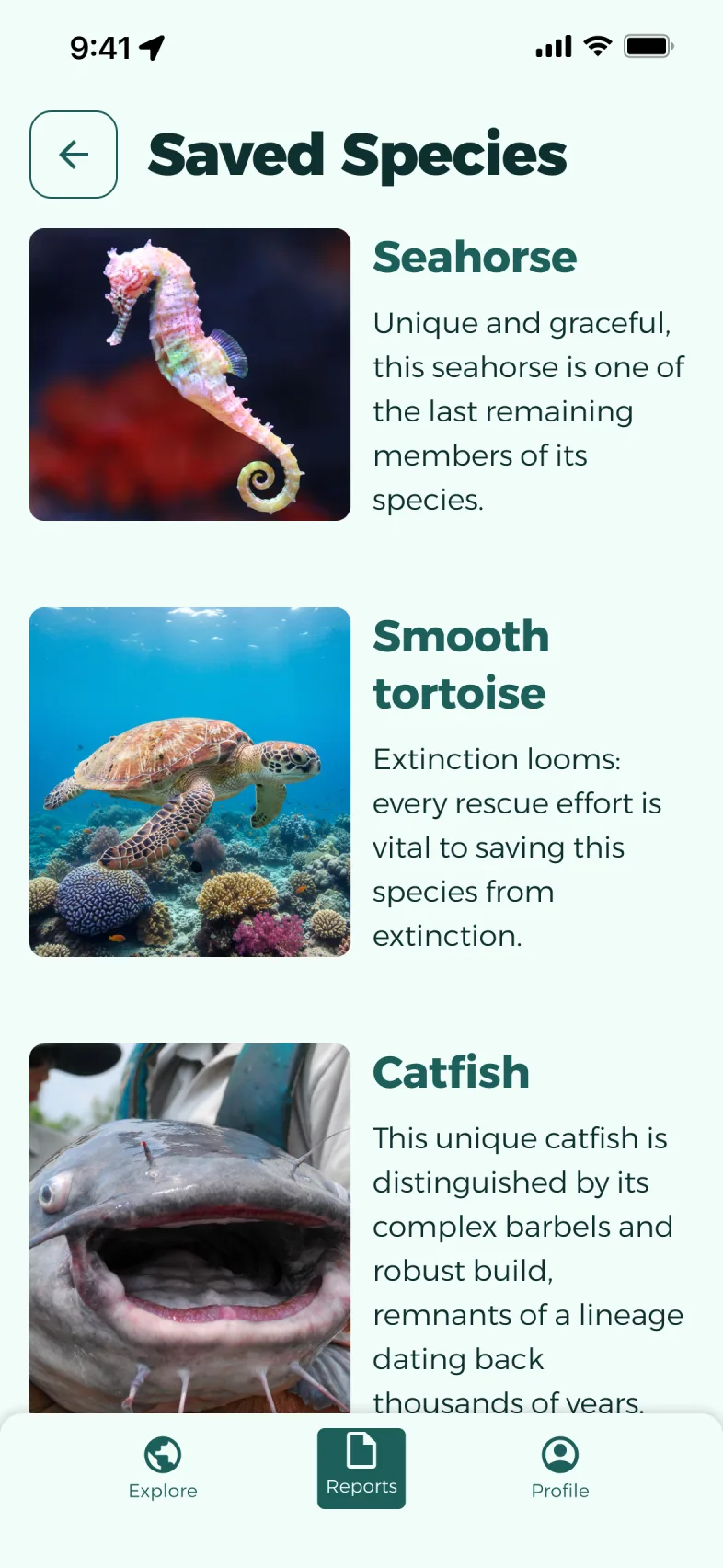
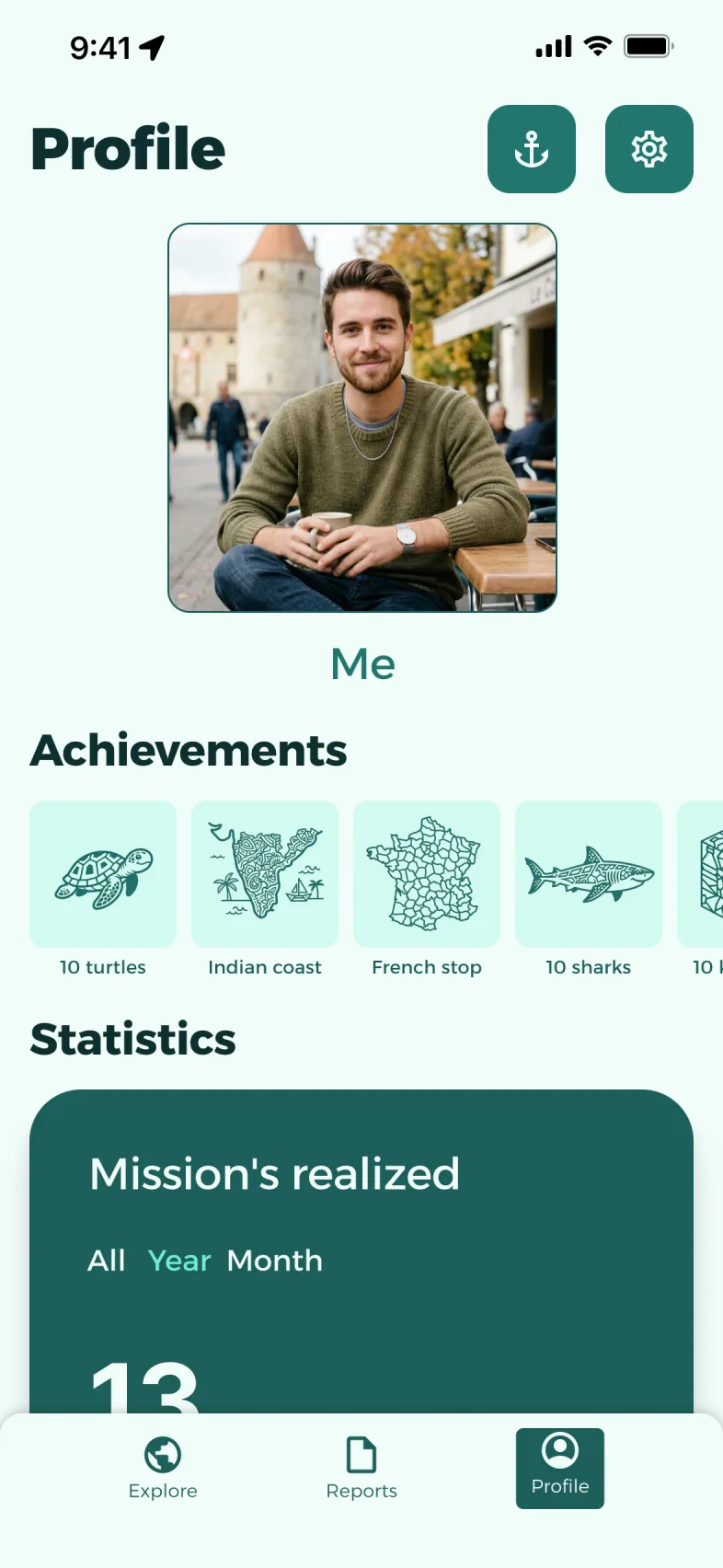
The profile counts missions completed, kilos of plastic recovered and species saved, with badges to collect. Reports present every species set free.
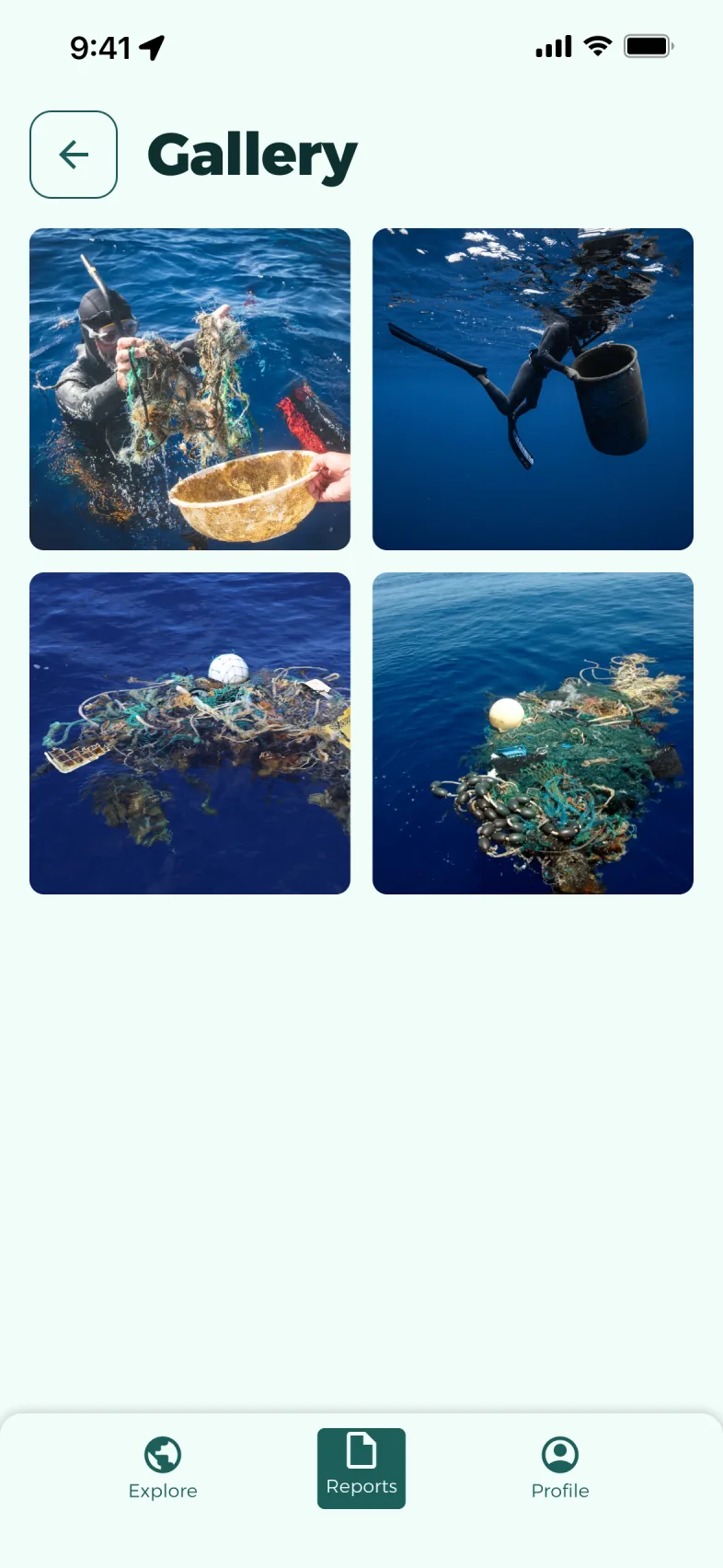
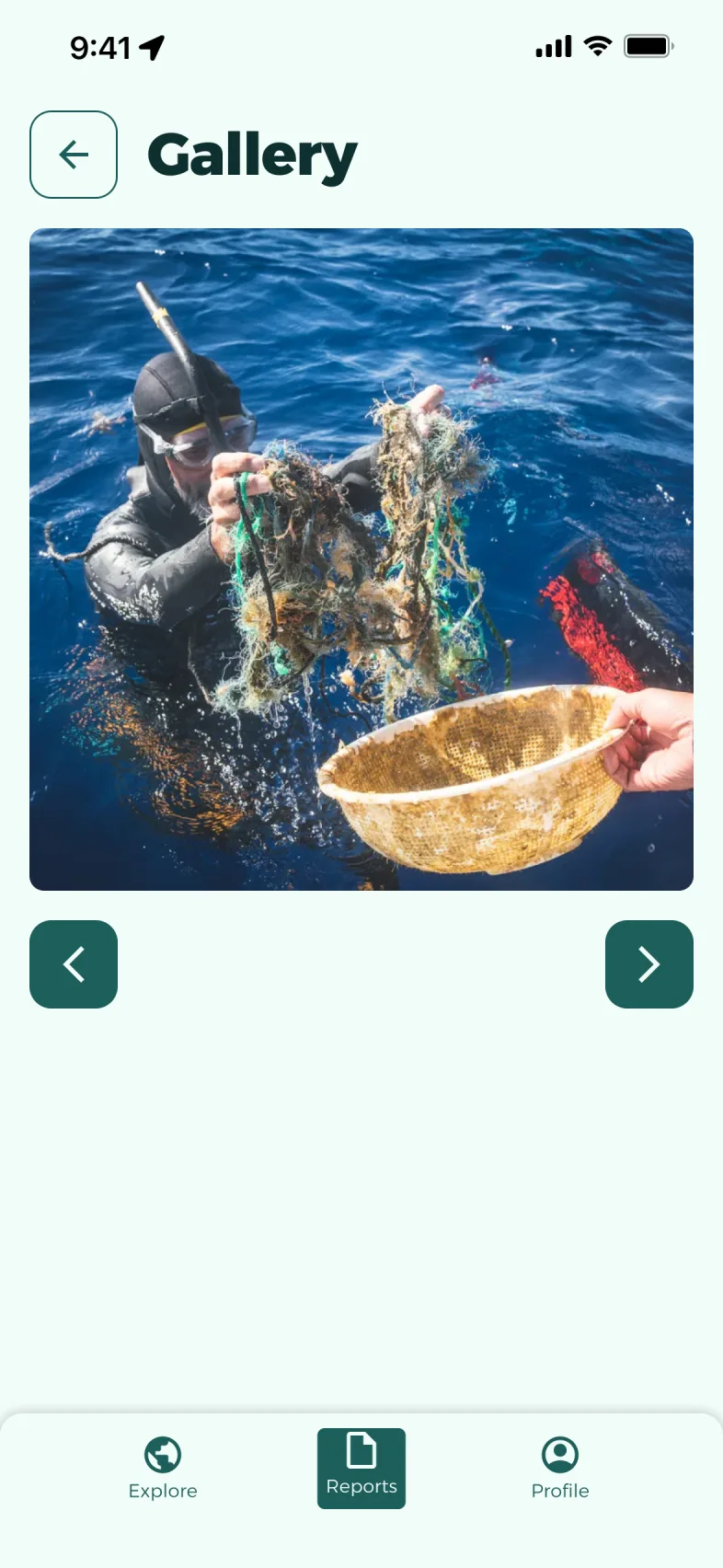
Five people tested the prototype. Their feedback revealed five pain points, from navigating the map to viewing photos. We had time left: we fixed four of them directly in the prototype, and left the last one for development.
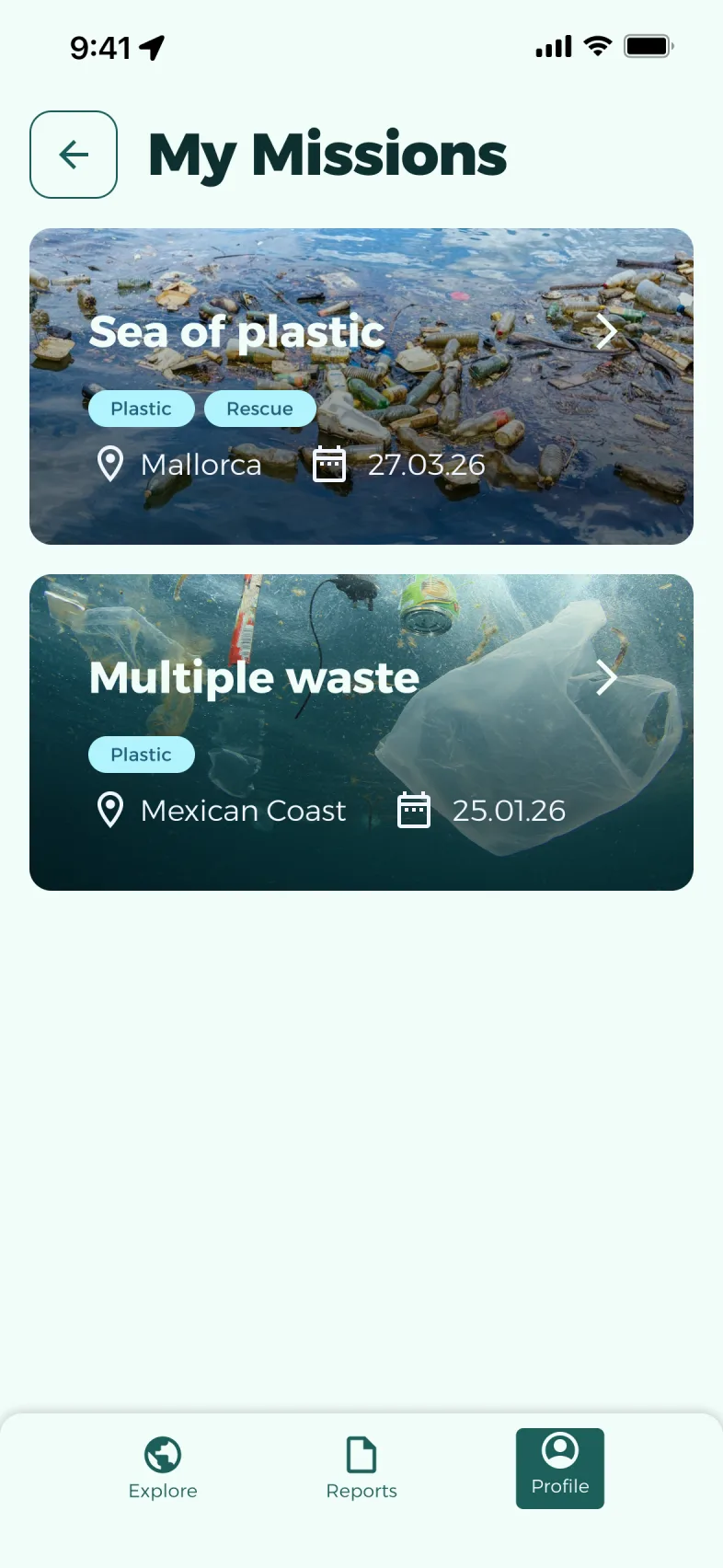
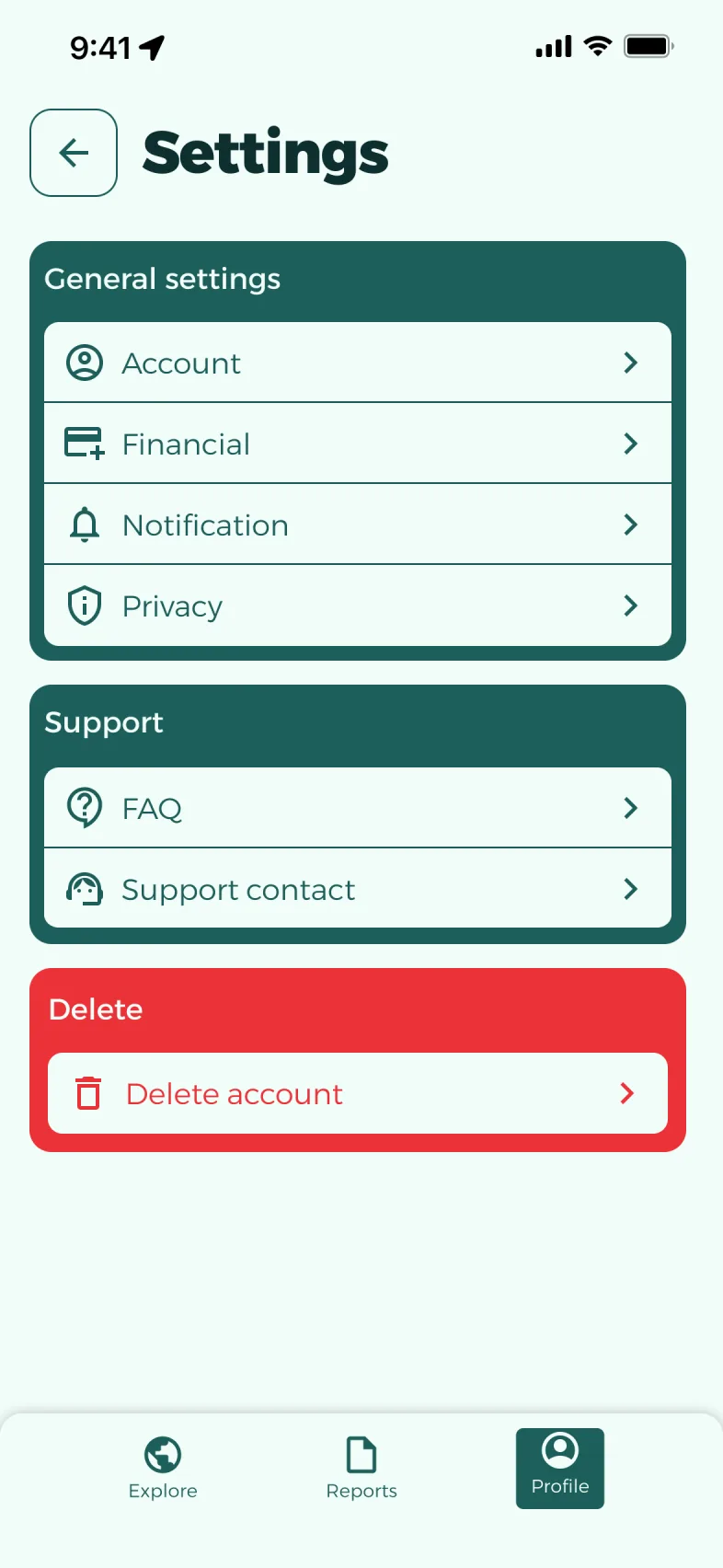


Overall, this is a very good project, serious and well executed. Congratulations.
“The design system is solid and shows a good understanding of accessibility, grid and Gestalt principles.” The teacher also praised the wireframes and moodboard. (Translated from French.)
A clickable Figma prototype, tested by five people and improved thanks to their feedback.
Five testers were enough to reveal frictions we no longer saw: each one became a chance to improve the experience. The teacher’s feedback also taught me that a prototype has to be finished down to the details, like placeholder text or the size of tap targets.
Sacha Loskov · sacha@loskov.ch · +41 78 651 60 00 · loskov.ch
Describe it in a few lines and we’ll work out together how to make it happen.
Get in touch